
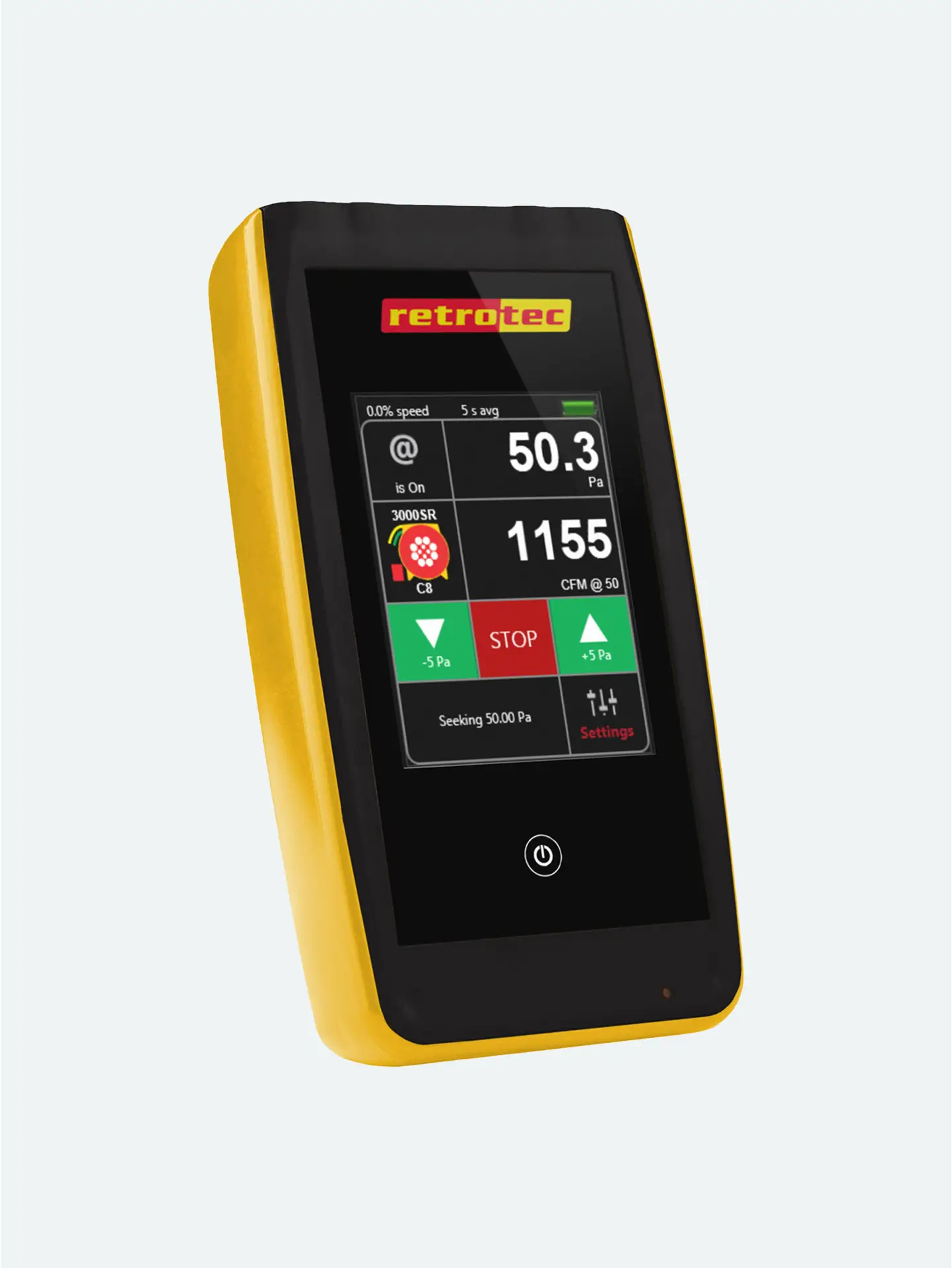
Watch how easy it is to use the DM32 with TEC’s Exhaust Fan Flow Meterhttps://youtu.be/QZABEBdOR_4
Step-by-Step Usage
Attach Control Cable
Connect the DM‑32’s yellow Speed Control output to the TEC fan using Retrotec’s TEC adapter. This enables the gauge to regulate fan speed directly.
Select “Exhaust” Device in Gauge
On the DM‑32, go to Home → Change Device, and choose Exhaust Fan Flow Meter mode. This tells the gauge to compute airflow using the fan’s built-in calibration.
Connect Pressure Tubing
Plug the blue tube to the flow-meter inlet, capturing pressure generated by the fan. Connect green (reference) and yellow (fan pressure) per the flow-meter’s setup instructions.
Run the Fan and Record Flow
Start the fan in Set Speed or Set Pressure mode. As airflow stabilizes, the gauge displays a direct CFM reading of exhaust flow. No need for manual calculations—DM‑32 does it all.
Why This Setup Is Powerful
Simple & Portable: No bulky duct testers—just gauge and fan.
Accurate Measurements: Built-in fan calibration ensures direct and reliable CFM results.
Versatile Use: Ideal for testing bath fans, range hoods, heat-recovery ventilators, and pressure pans.
